GitHub copilot is an AI pair programmer that helps you write code faster. It can provide you with suggestions while you type and can even write entire functions for you. You can install GitHub Copilot and GitHub Copilot Chat as extensions in Visual Studio Code.

Real life example

As with any AI tool, this is not a replacement for a developer and you should not trust it completely. It’s a tool to help you write code faster and more efficiently. It’s important to understand the code that Copilot writes for you and to test it thoroughly.It will make mistakes as you will see below and it is crucial that you understand the code and is able to identify when it’s wrong so you can fix it.

Write and fix a function from inline chat

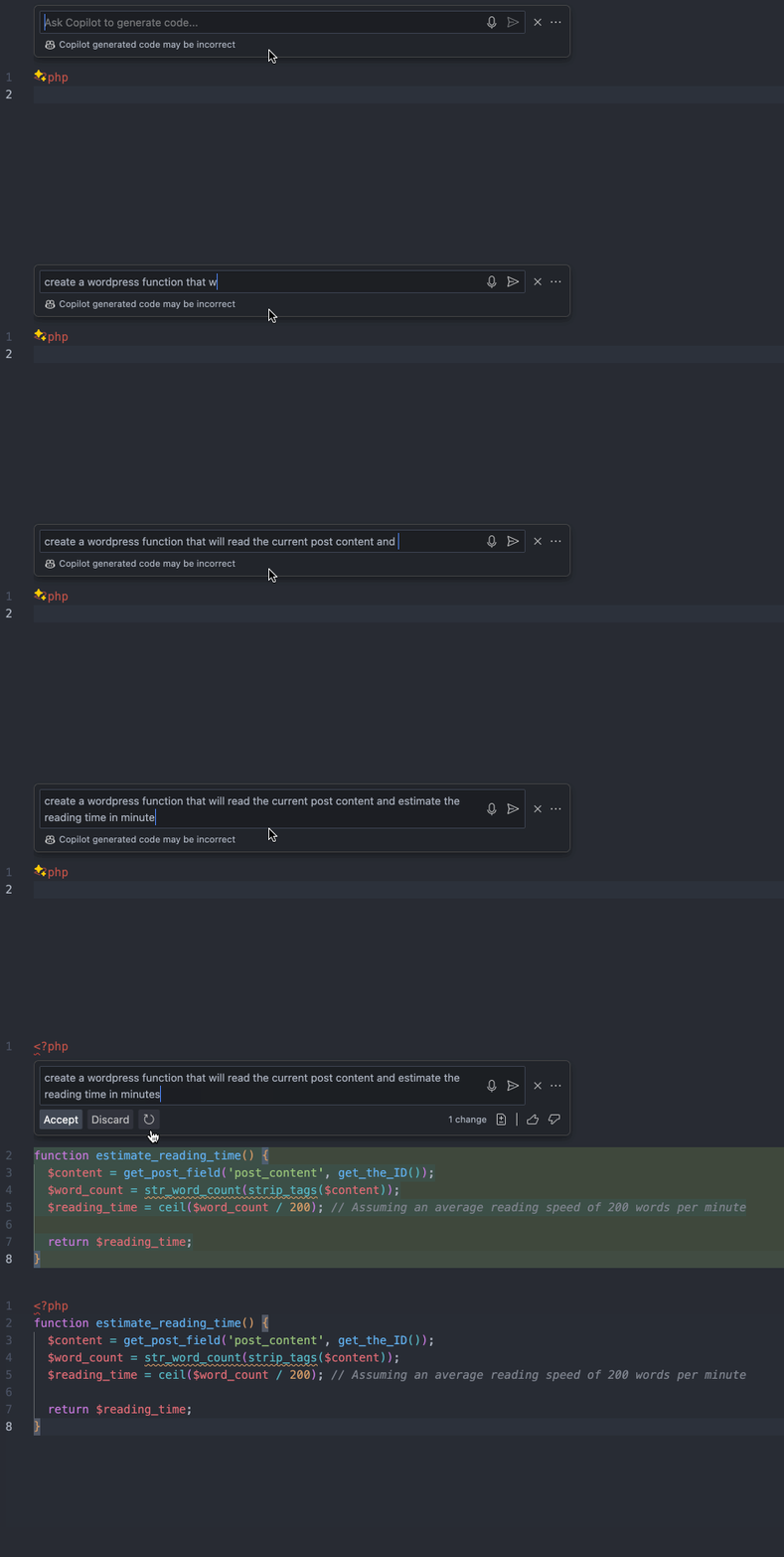
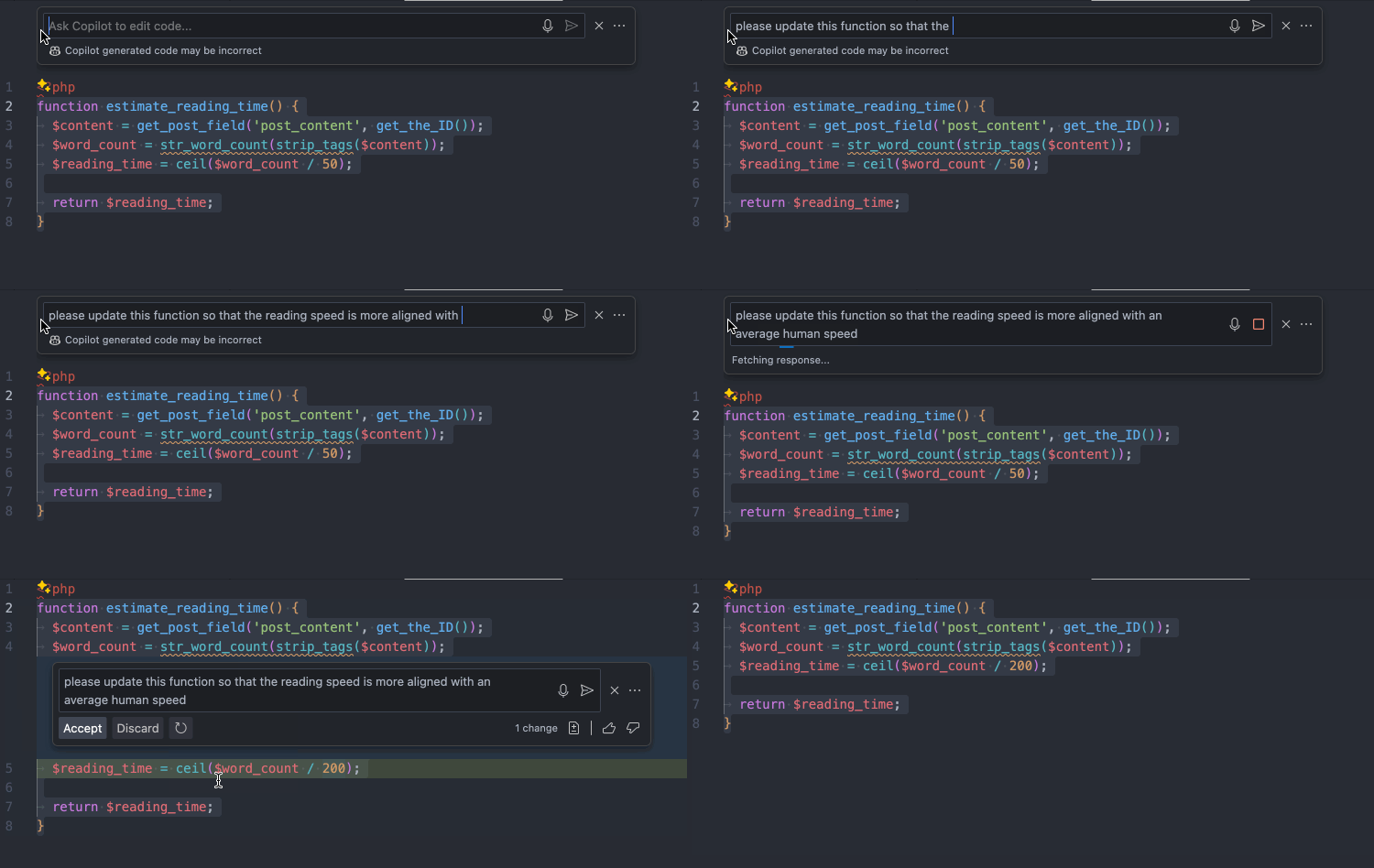
Here’s an example function that GitHub Copilot wrote for me: GitHub Copilot creating a function from a prompt I then modified the function to reduce the reading speed from 200 words per minute to 50 words just as an example. I then asked Copilot to fix the function for me based on my prompt. GitHub Copilot fixing our read time estimate function from a prompt
Fix a function from chat

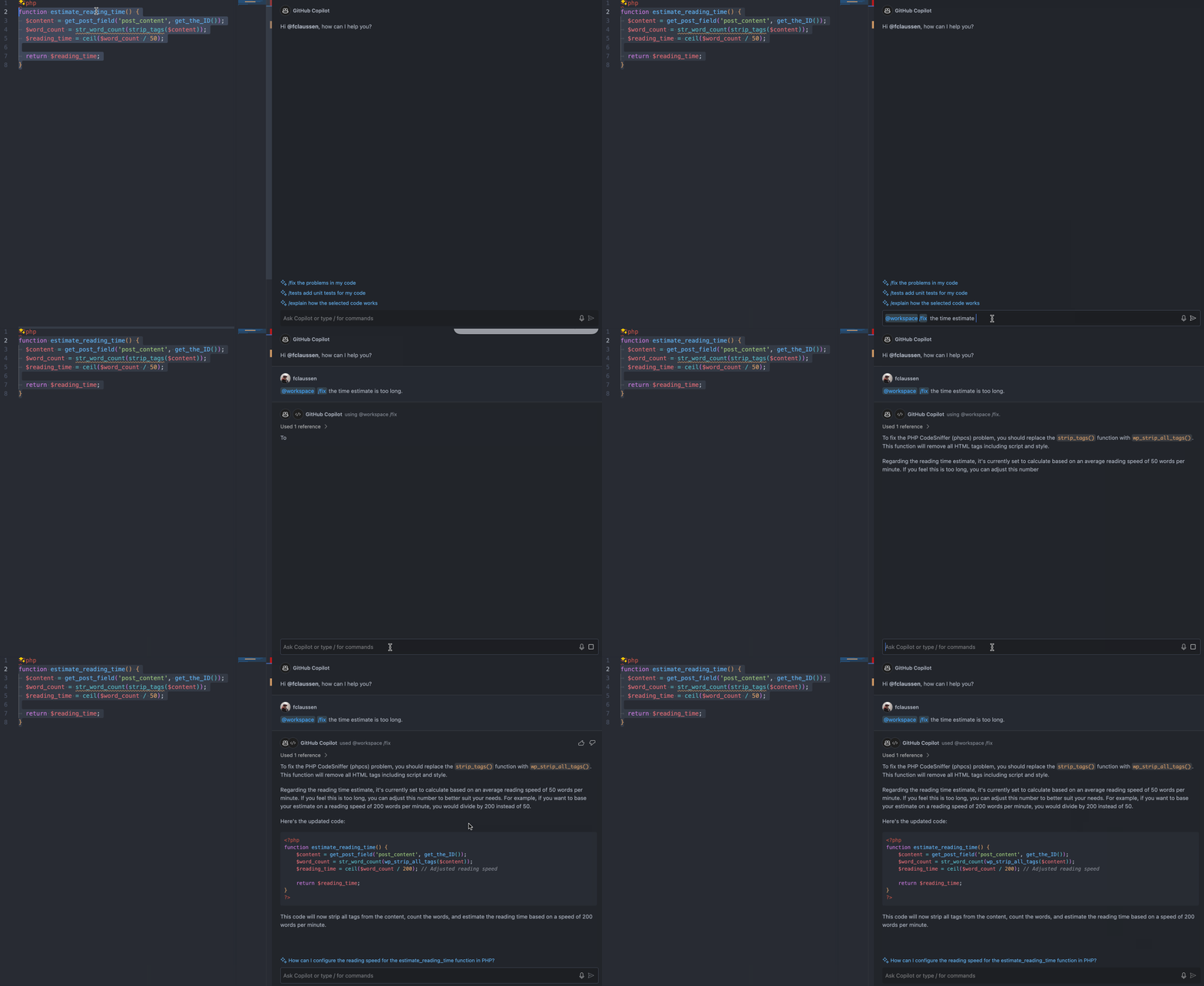
We’ll use the same function as the previous example but we’ll just tell Copilot Chat to fix it with very few words. GitHub Copilot fixing our read time estimate function from chat As you can see, not only it figured out the time estimate fix but it also noticed there’s a phpcs error and recommended a fix with explanations. Keep in mind that Copilot wrote this entire function by itself so the phpcs error was also written by Copilot. This is why it is crucial to interpret the code that it gives you and make adjustments as needed.
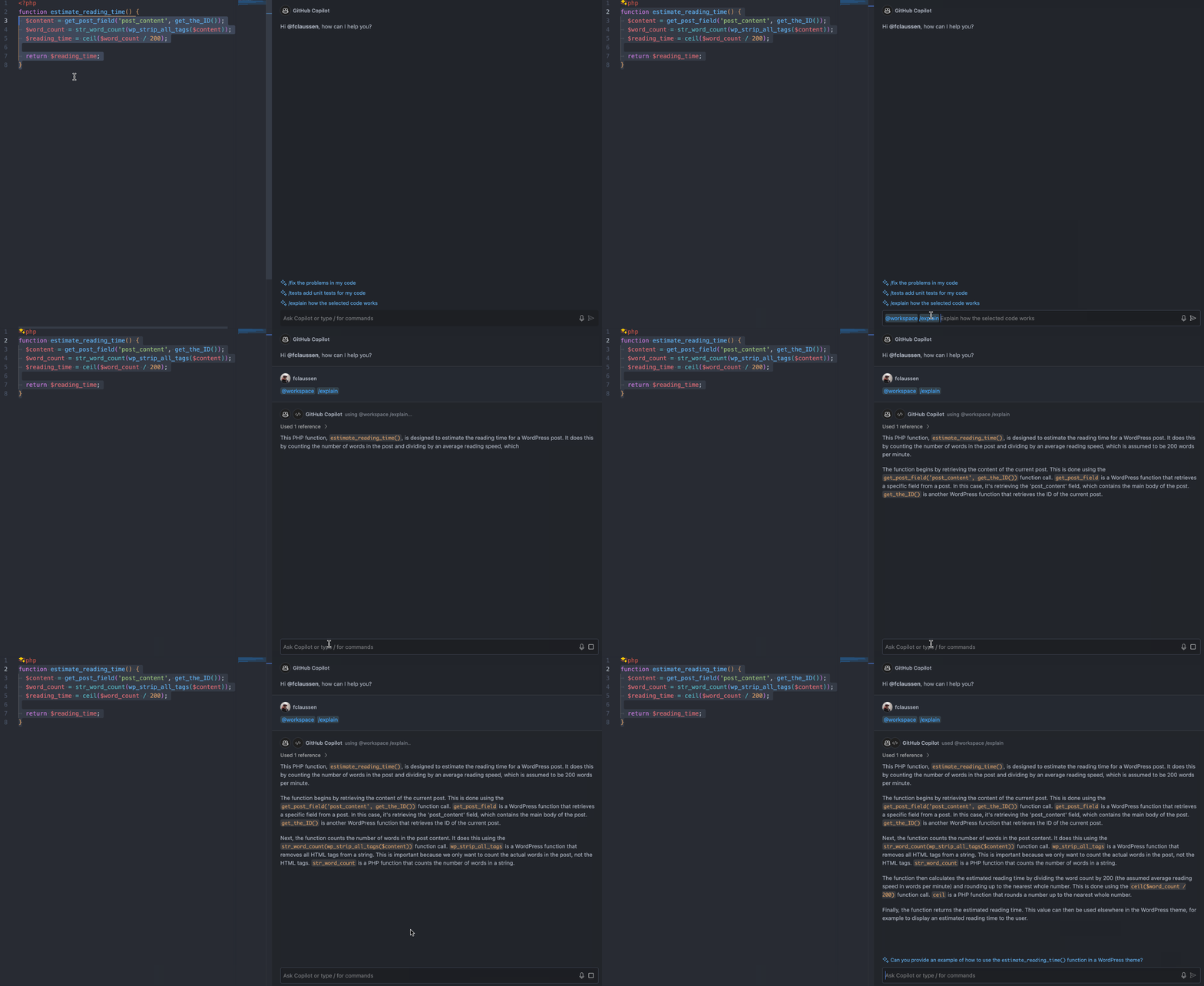
Explain a function

You can ask Copilot to explain code to you. Here’s how it explains our example function. GitHub Copilot explaining our read time estimate function
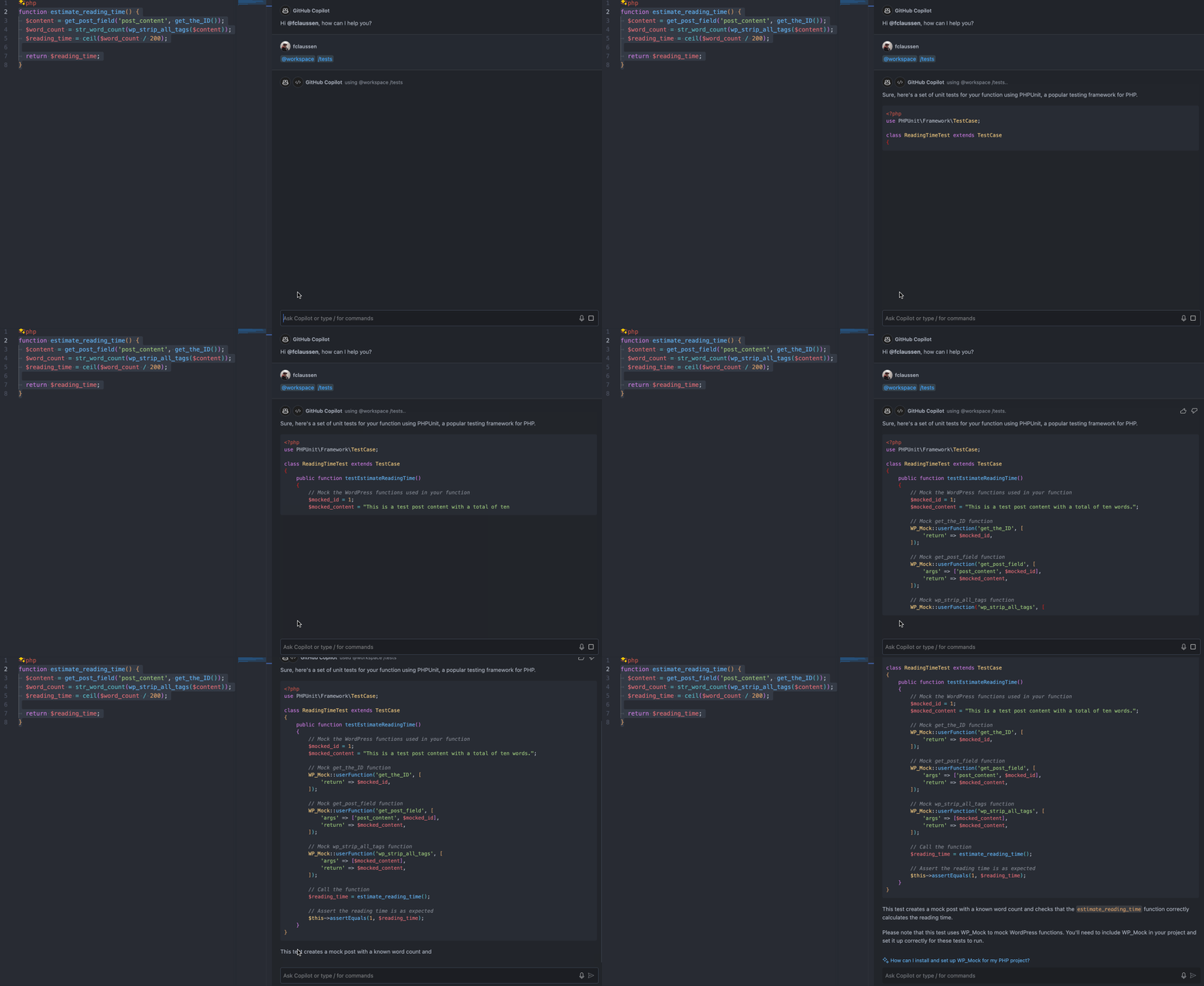
Generate automated tests

You can even ask Copilot to create tests for you. Here’s how it creates a simple unit test for our PHP function. GitHub Copilot explaining our read time estimate function